Connecting WhatsApp
Connect WhatsApp Business so you can message customers from Scriptiflow and keep those conversations alongside your other channels.
WhatsApp messaging is available on the Premium plan.
Connect
Open the Integrations hub
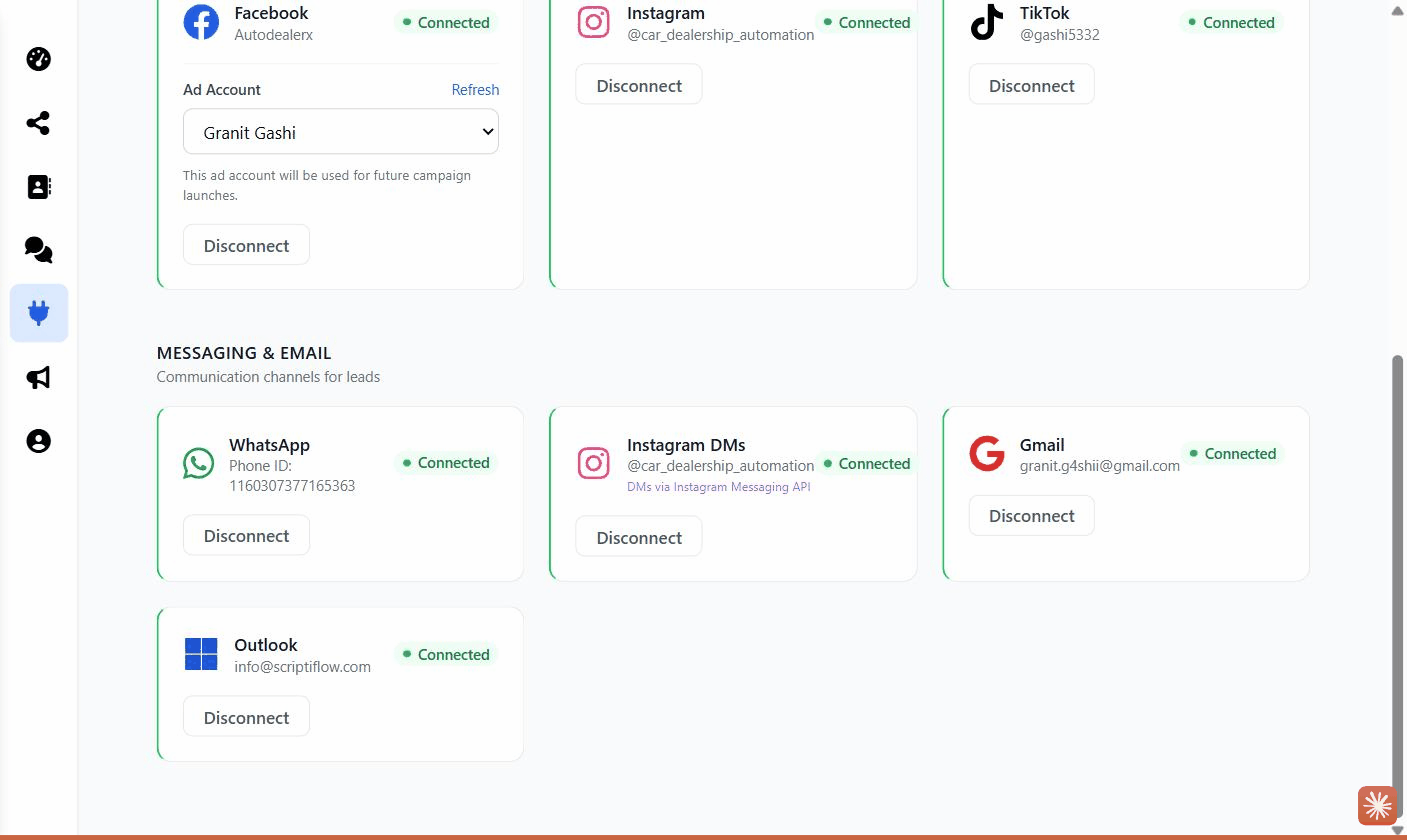
Go to Integrations → All Integrations and find the Messaging & Email section, then click Connect on the WhatsApp card.
Complete the WhatsApp setup
WhatsApp connects through Meta’s guided Embedded Signup flow. Follow the on-screen steps to select or create your WhatsApp Business account and phone number and grant access.
Confirm
Once finished, the card shows Connected with your business name or phone number. Your WhatsApp conversations appear in the WhatsApp inbox.
What this enables
- A WhatsApp inbox (
/dashboard/whatsapp) to read and reply to customer messages. - WhatsApp conversations linked to your contacts.
Troubleshooting
The signup window closed early. Reopen the WhatsApp card and click Connect to restart Meta’s Embedded Signup — you can pick up where you left off.
“Premium required.” WhatsApp messaging needs the Premium plan. See Plan & billing.