Messaging & Inbox
Scriptiflow brings your customer conversations together so you can reply from one place instead of jumping between apps.
The inboxes are available on the Pro plan and above (WhatsApp requires Premium).
The channels
Open the Inbox from the sidebar to reach your conversations. Each channel also has its own view:
- Instagram DMs — your Instagram direct messages.
- Messenger — Facebook Page messages.
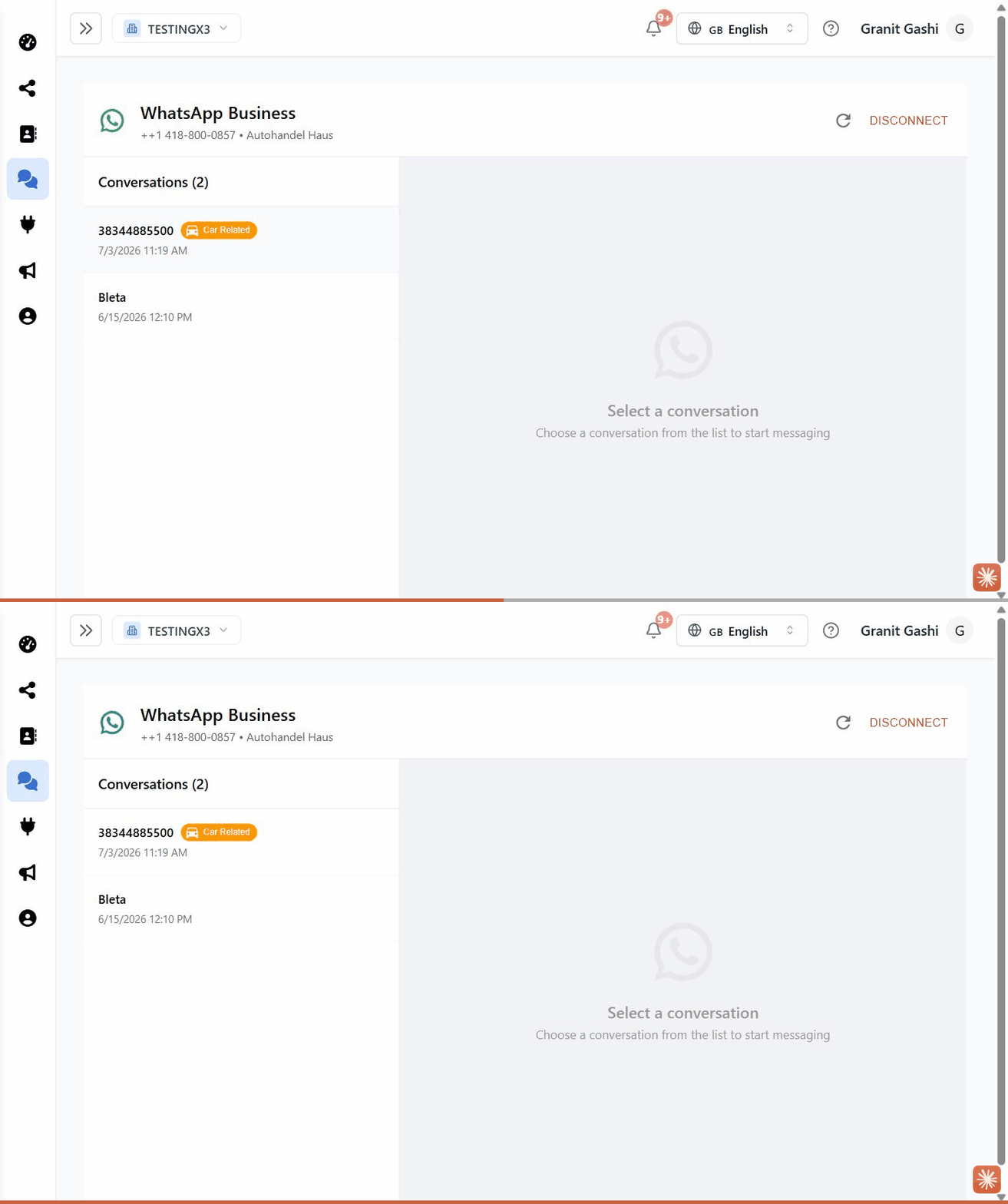
- WhatsApp (
/dashboard/whatsapp) — WhatsApp Business chats (Premium). - Email inbox (
/dashboard/email-inbox) — detected car enquiries from Gmail or Outlook.
Connect a channel first
Each inbox lights up once its channel is connected:
What all inboxes share
- A conversation list on the left; the open chat on the right.
- Search to find a person or conversation.
- Tags — mark a conversation as Lead, Customer, Sold, or Spam.
- New senders are added to your Contacts automatically, so a chat and a customer record stay connected.
Last updated on