Plan & billing
Your plan controls which features are available. Billing settings live in Settings and are managed by brand admins and owners.
Some features are plan-gated. Marketing and the messaging inboxes need the Pro plan; WhatsApp needs Premium. Where a feature requires a plan, the guide says so at the top.
Your plan
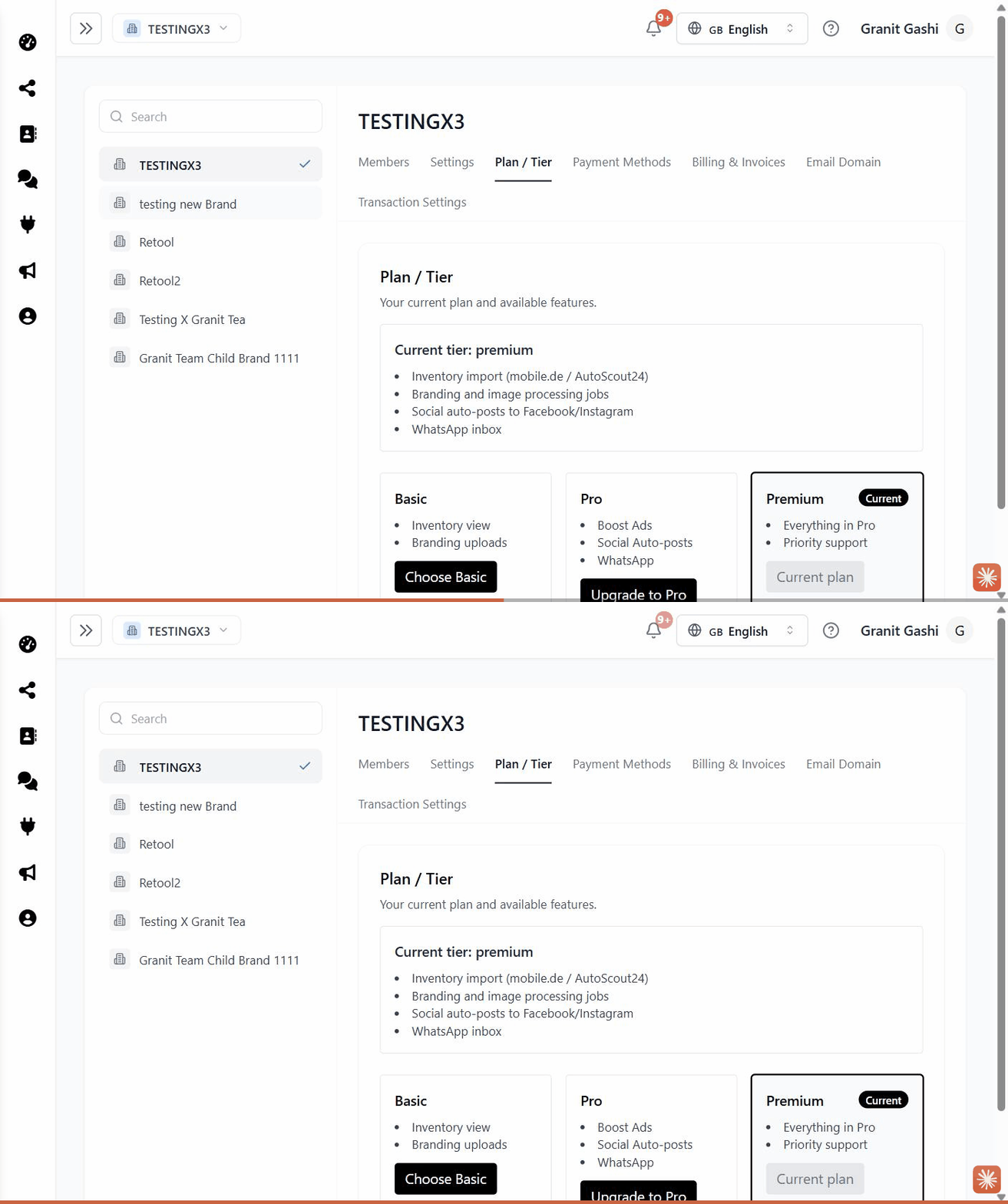
Open Settings → Plan / Tier to see your current plan and what it includes.
Payment methods
Settings → Payment Methods is where you add or update the card used for your subscription and any ad payments.
Invoices
Settings → Billing & Invoices has your billing history — open or download past invoices here.
Troubleshooting
A feature says I need to upgrade. It’s on a higher plan. Open Settings → Plan / Tier to compare and upgrade, or contact support@scriptiflow.com.
I can’t see billing settings. Billing is limited to brand admins and owners. Ask an owner on your brand for access.