Using the Instagram DMs inbox
Once Instagram DMs is connected, open
Instagram DMs from the sidebar (/dashboard/instagram-dms) to handle your
direct messages inside Scriptiflow.
Reading messages
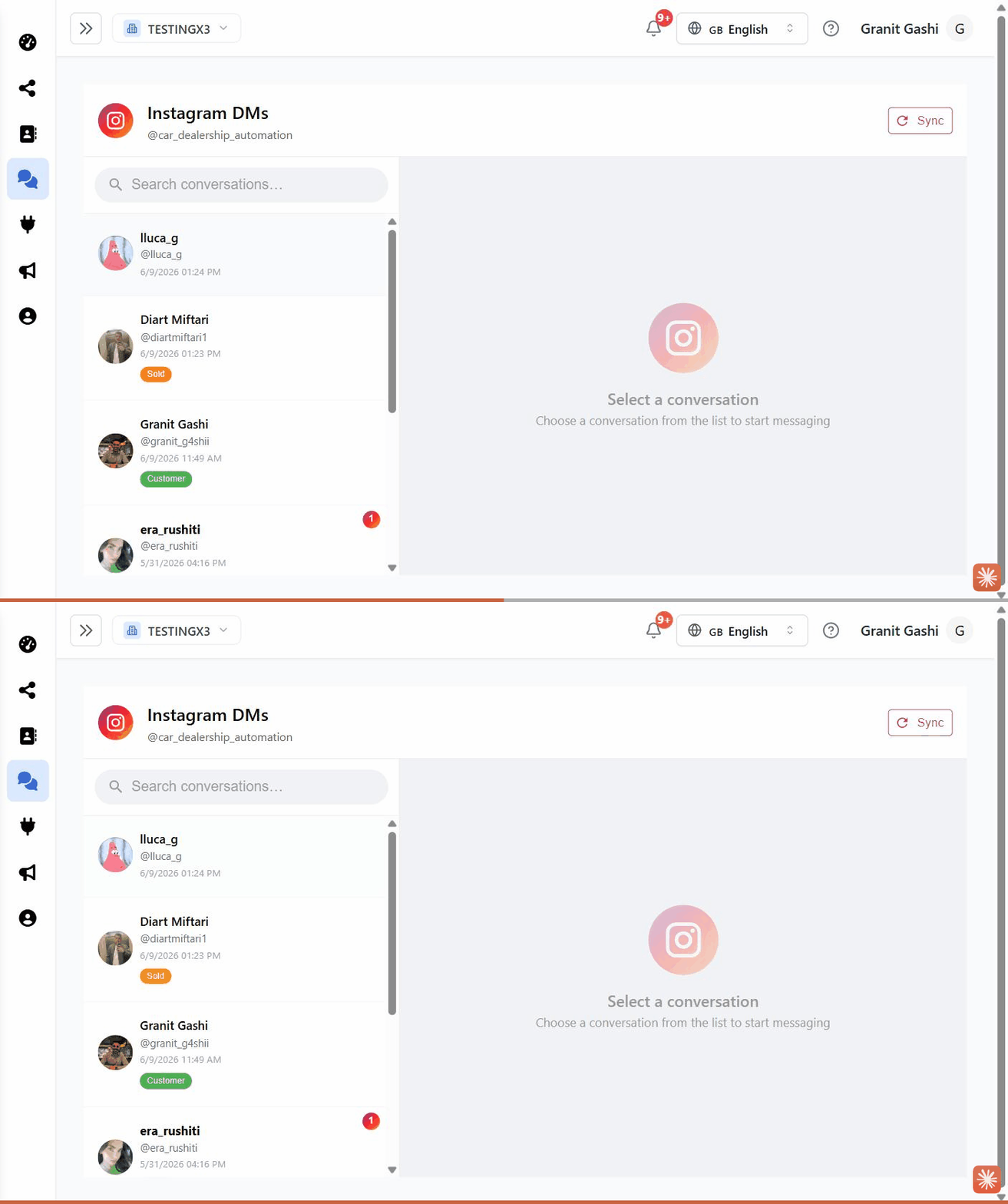
Open a conversation
Conversations are listed on the left, newest first, with an unread badge on any
you haven’t opened. Click one to read the thread. Use the search box to find a
person by name or @username.
Load older messages
Scroll up in a thread to load earlier messages.
Sync for the latest
The inbox updates on its own, but you can click Sync at the top to pull the very latest from Instagram right away.
Replying
- Type in the message box and press Enter to send (Shift+Enter for a new line).
- Send a photo, video, or audio clip with the attachment button — add a caption if you like, then send.
- Delivery ticks show when a message is sent and read.
Organising conversations
Use the tag chips at the top of a chat to label it:
- Lead — a potential buyer
- Customer — an existing customer
- Sold — you sold them a car
- Spam — junk
New people who message you are added to your Contacts automatically, so you can open their full record from the chat.
Troubleshooting
A new message didn’t appear. Click Sync. If messages consistently don’t arrive, reconnect the channel from Integrations.
The page says “Pro required.” The inbox needs the Pro plan — see Plan & billing.