Transactions
Transactions (/dashboard/transactions) is where a deal comes together.
Group everything for a sale — the vehicle, the customer, documents, and
tasks — and move it through your stages from first interest to delivered.
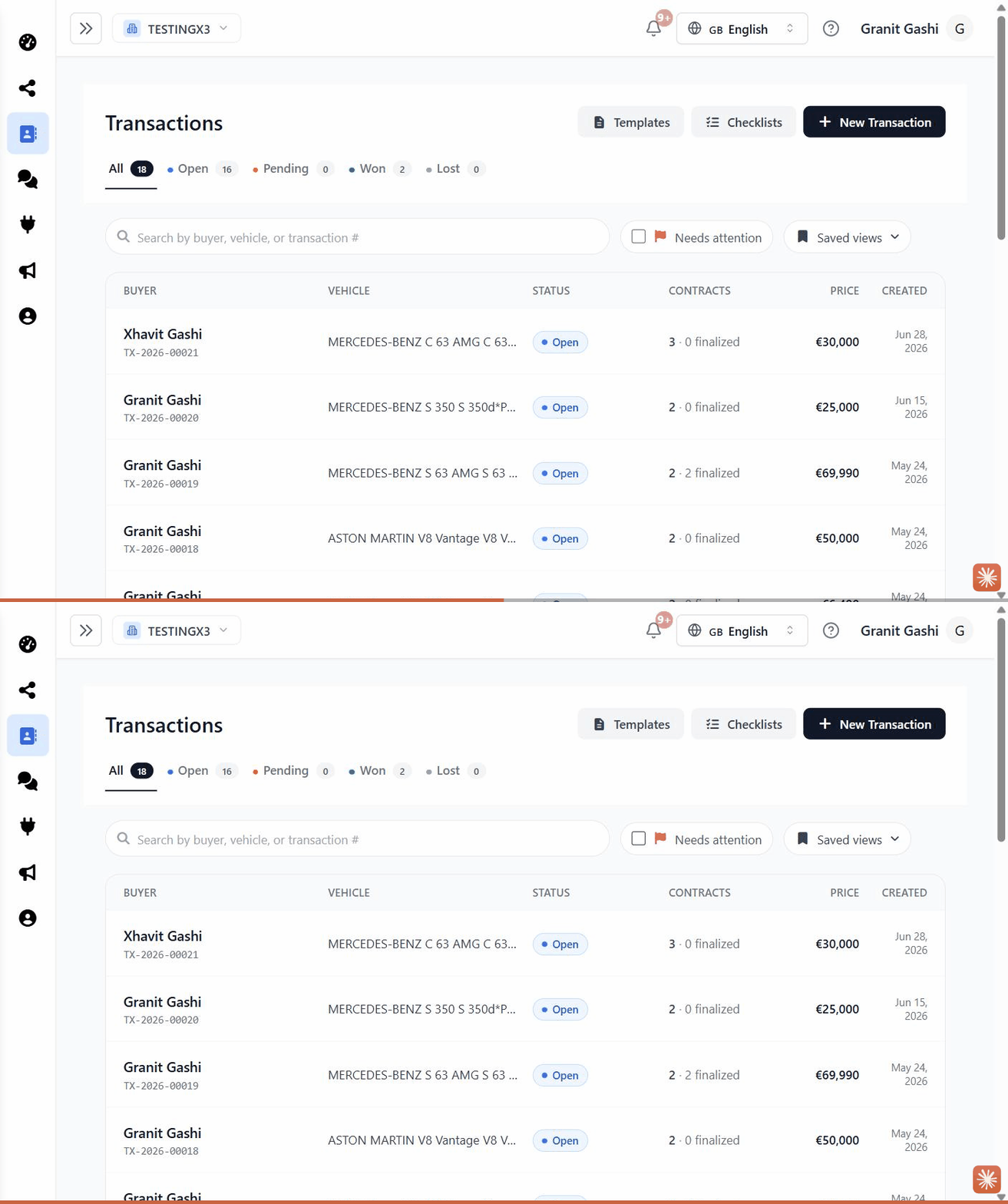
What you can do
- Create a transaction for a deal and attach the vehicle and customer.
- Work through checklists so nothing gets missed.
- Fill and send forms/documents for signature.
- Route items for approval where your process needs a sign-off.
Settings
Brand admins can tailor the stages and checklists under Settings → Transaction Settings. See Settings & Billing.
This is an overview. Add step-by-step articles as
.mdxfiles incontent/transactions/(for example “Creating a transaction” or “Working with checklists”) and list them incontent/transactions/_meta.js.
Last updated on