Using the Messenger inbox
When your Facebook Page is connected,
Messenger conversations for that Page flow into Scriptiflow automatically — no
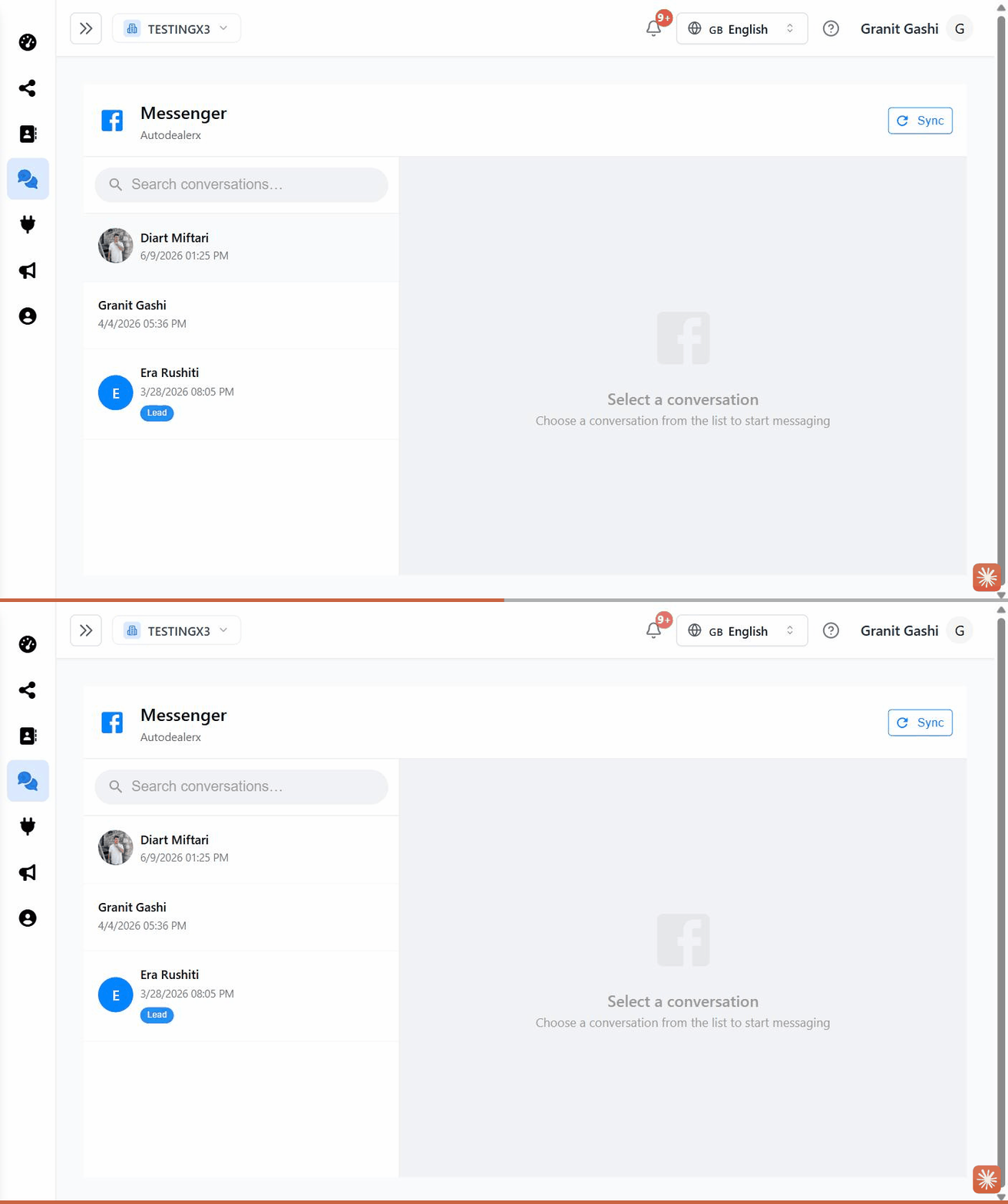
separate connection needed. Open Messenger from the sidebar
(/dashboard/messenger) to reply.
The Messenger inbox is available on the Pro plan and above.
The essentials
- Open a conversation from the list on the left; use search to find a person.
- Reply by typing and pressing Enter; attach a photo or file with the attachment button.
- Tag a conversation as Lead, Customer, Sold, or Spam to keep your pipeline tidy.
- New senders are added to your Contacts automatically.
Troubleshooting
No Messenger conversations are showing. Confirm your Facebook Page is connected and that Messenger is enabled for the Page in Meta Business Suite. New messages can take a short moment to arrive after connecting.
Last updated on